Account structure
Funding account vs spot account: check where your coins are before you transfer
The trading page spends from the Spot account. The Funding account used to collect money arriving through P2P, Binance Pay and a few other routes. So when the buy screen says your balance is too low, find out which account holds the coin and whether that amount is available. Make a transfer only once you know the asset sits in Funding and the trade needs a spot balance. Binance is the example throughout, including how to read your balances while it moves Funding assets into Spot.
Why one exchange login holds several accounts#
Signing up gives you a set of wallets rather than a single one. The large figure at the top of the assets page adds them all together, yet any individual action — placing an order, paying someone — draws on only one of them.
Before the migration described below, two of them mattered most to a beginner. The Spot account feeds the trading page: market orders, limit orders and sales all spend the spot balance. The Funding account sat next to it and caught money arriving from outside the order book. Binance’s wallet help page still describes that older setup: funds received via P2P, Pay, Giftcard or Pool go to the Funding wallet, and you may need to move them to Spot before trading on the spot market. Where incoming money lands has since changed, so read that as history, not as a promise about your own account today.
So “insufficient balance” can mean two unrelated things. Either you genuinely do not have enough, or you have enough in the wrong place. The second case needs one internal move. Another deposit would be pointless; buying the coin a second time, worse.
All of this happens inside a single login. Several accounts under one login show their balances separately. A sub-account or a second registration is another matter entirely.
Binance funding to spot migration: what changed from September 2026#
Plenty of guides online still say you must move money across before every spot trade. Look at your actual balances before following that advice; once your account has migrated, the step may be unnecessary.
On 23 September 2026 the help centre published “Frequently Asked Questions on Funding Account to Spot Account Migration”. The short version: starting 29 September 2026, all non-stock assets in the Funding Account move to Spot, with the full migration expected to finish by January 2027. Funding keeps only US stocks, stock options and six settlement currencies — USD, USDC, USDT, USD1, U and BNB — and in January 2027 it takes a new name, the Stocks Account. Binance gives its reason as resolving “the confusion between the two account types at a structural level”.
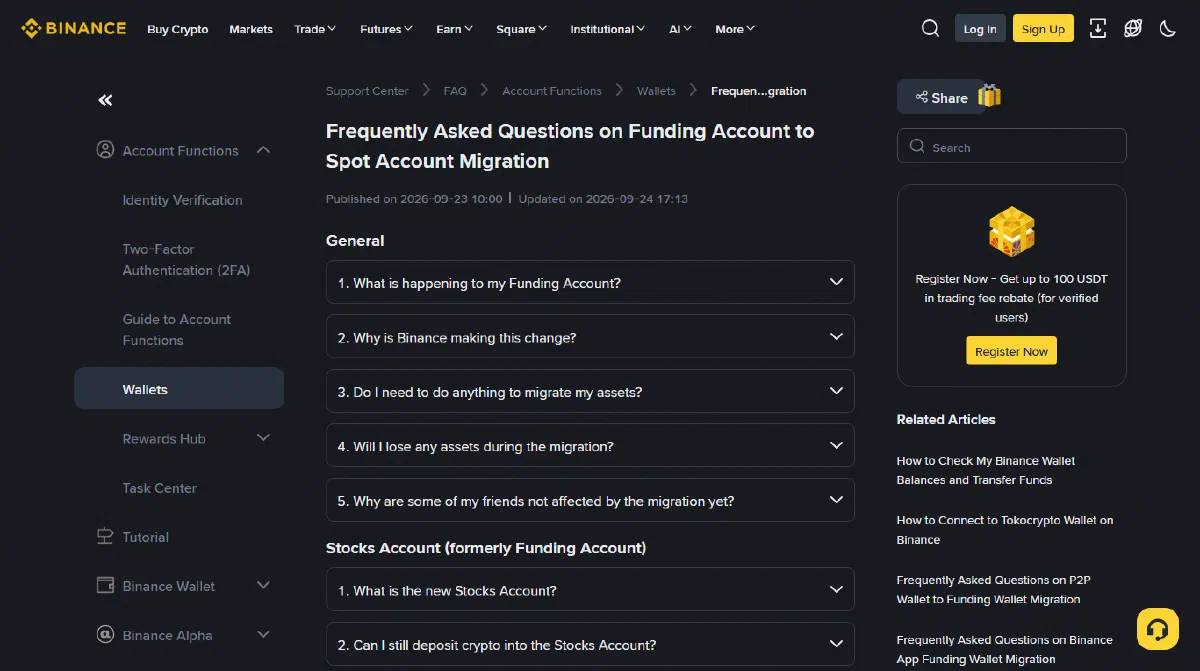
If you only want to buy some bitcoin, the changes already in force matter more than the timetable. From 29 September 2026, P2P orders placed by ordinary P2P users draw on the Spot account first. Binance counts you as one of those if you have posted no P2P ads in the last three months and hold no merchant status — in other words, if you simply take existing ads to buy or sell. Advertisers stay on Funding until December 2026. From the same date, Convert orders settle to Spot as well, and after migration anything you receive through Binance Pay is credited to Spot.
As for the assets, the page says nothing goes missing. Non-stock crypto moves across 1:1, total value stays the same, and older records keep their original Funding Account label in your history.
It supports no on-chain crypto deposits or withdrawals: you cannot send coins straight into it, and you cannot withdraw straight out of it. Anything you want to do with the six settlement currencies held there starts with an internal transfer to Spot.
For most readers that leaves one account worth watching, which is Spot. Until January 2027, though, the old name and the new arrangement will sit side by side.
Has the migration reached your account yet?#
The move rolls out in batches, so your screen and a friend’s can legitimately look different. The FAQ answers this head-on under “Why are some of my friends not affected by the migration yet?”: accounts move in phases, and each user receives a notification when their turn comes.
Treat the account name as a clue at most. Funding keeps its name until January 2027, so seeing “Funding” on screen tells you nothing about whether your coins have already moved. Check in this order instead:
-
Look for the migration notice in the app
Binance notifies each batch, and the notice says what it covers. That tells you more than any label. An account still called Funding may already have handed its crypto over.
-
Compare balances coin by coin
On the assets page, note how much of that coin sits under Funding and how much under Spot, then look at the Spot available balance and your transfer history. If the coin is already in Spot and available, this spot trade needs no transfer.
-
Still not adding up? Read the records first
Two account names on screen at once do not prove you are halfway through a migration. Binance says it will provide a one-click migration button in the Funding Account for anyone who wants to move unsupported coins over themselves. Before pressing it, read what it says it will move; if anything is unclear, ask through the official support chat inside the app.
Your app version can explain a mismatch too. The FAQ states that app users need the latest version before their account can be upgraded, while website users need do nothing. If the website shows the new layout and your phone does not, check for an app update.
How to transfer from Funding to Spot in the app and on the website#
The help page “How to Check My Binance Wallet Balances and Transfer Funds” covers both routes. In the app: log in, tap Assets then Transfer, choose Spot as the destination, select the coin, type the amount and tap Confirm Transfer. Earlier transfers are listed behind the History icon in the top-right corner.
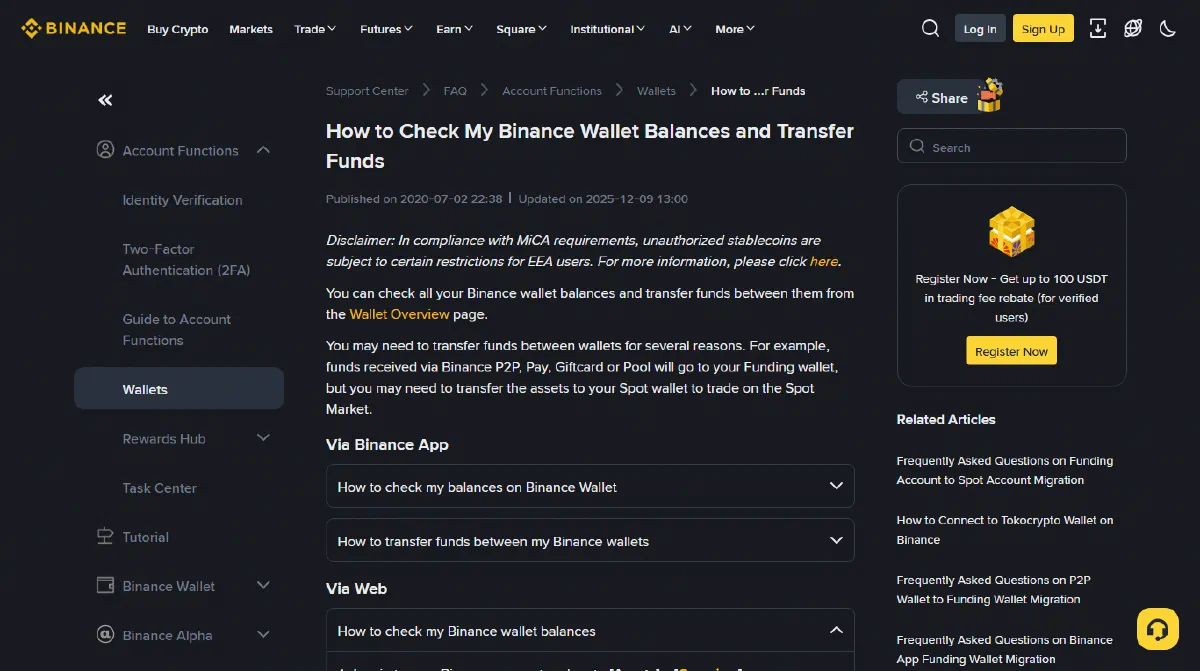
On the website: go to Assets → Overview, click Transfer, pick the wallets and the coin, enter the amount, then click Confirm. Overview doubles as the place to see everything at once. It shows an estimated balance in BTC alongside one in the fiat currency you choose (USD unless you change it), and the eye icon hides both figures.
Slow down on direction. The panel asks where the money comes from and where it goes. Set the source to whichever account actually holds the coin and the destination to Spot, then read the coin and amount once more. If something lands in the wrong account, check the transfer record and how much can be moved back out before assuming you can reverse it at once — funds tied up in an open order or held as margin may not be free to move.
Do internal transfers cost anything, and how long do they take?#
A transfer between accounts under one login happens on the exchange’s own books. No blockchain is involved, so neither network fees nor block confirmations come into it. After you submit, check the transfer status and the destination balance rather than treating the tap on Confirm as the finish line. If the balance has not updated, read the record before trying again, so the same money does not get moved twice.
Withdrawing on-chain is a separate job altogether: you choose a network, check the address, and look at whatever fee and confirmation requirement the platform shows you.
Knowing this also disarms one scam script. Anyone who says a transfer needs an “unlock fee” first, or must be “activated” on some outside website, is describing a step that the official process simply lacks. People posing as support and steering you off the platform are covered in the mistakes beginners make most often.
Insufficient balance that a transfer will not fix#
A transfer solves exactly one problem: the asset is in your account, just in the wrong part of it. A few other situations look much the same on screen, and moving money between accounts does nothing for any of them.
- The total estimated value barely changed. Estimates rise and fall with the price, so they prove nothing either way about a deposit. Open the deposit history or the P2P order page for its status, then check the actual quantity of that coin.
- Available balance dropped, yet no coin appeared. Usually a limit order is still waiting, with the money reserved behind it. Limit order not filled? explains what to do with it.
- The total is right but the coin is missing from the list. Often the switch that hides small balances is on. Bought bitcoin but cannot find it? goes through that and the other causes.
- You received slightly less than you worked out. Check the filled quantity, the fee amount and which coin the fee was charged in. Only when the record shows the fee came out of the coin you bought does it explain the gap. The arithmetic is in the three layers of buying fees.
Questions people ask about Funding and Spot#
I only just opened my account. Does any of this apply to me?
Being new is no reason to transfer anything. Check whether the coin you plan to trade is in Spot and available; if it is, nothing needs moving from Funding. The migration changed which account several services settle to, but an account’s name says nothing about how far along it is. A low-balance message still calls for checking the coin’s balance, your open orders and your records.
Can I undo a transfer?
A completed transfer stays completed. To move the money back, you submit a new transfer in the other direction, after confirming that the coin and direction are still supported and the balance is free to move. Once your account has migrated, only the six settlement currencies can move between Spot and the Funding (future Stocks) account, so other coins cannot go back. A successful reversal leaves two transfers in your history.
Do other exchanges split accounts the same way?
Most separate balances in some form, but names and boundaries vary: one calls it a trading account, another a funding account, a third walls off fiat money on its own. The names, menus and dates in this guide apply to Binance only. On any other exchange, go by that exchange’s own help pages.
Related
- Bought bitcoin but cannot find it? Six reasons a coin seems to vanish
- Limit order not filled When an order is holding your money
- Trade history and fees What each of the three tabs holds
- Getting money in Where P2P sits among the routes
- Buying bitcoin for the first time From sign-up to a finished purchase
Last updated: 8 October 2026. Account definitions, transfer steps and menu names come from Binance’s help page “How to Check My Binance Wallet Balances and Transfer Funds” (marked updated 2025-12-09). The migration scope, the dates and the P2P, Convert and Pay changes come from “Frequently Asked Questions on Funding Account to Spot Account Migration” (published 2026-09-23, updated 2026-09-24). Both English pages were opened and read on 8 October 2026. The migration is still rolling out in batches, so the account names on your screen may differ from the ones used here, and menu positions shift between app versions.